
Ergonomic Tips for Remote Workers
With the rise of remote work, ensuring proper posture and ergonomics has never been more important. Many people find themselves in unconventional workspaces, from kitchen tables to couches. To combat discomfort, start by assessing your chair. It should support your lower back, keeping your spine aligned. Look for chairs with adjustable height, lumbar support, and armrests. Your feet must be flat on the ground, or use a footrest to assist. Ensure your knees form a 90-degree angle. Invest in a desk that allows you to work comfortably while maintaining a straight back. If your workspace is not adjustable, experiment with different setups. A keyboard tray can help keep your wrists aligned. Monitor placement is essential; keep it at eye level, approximately an arm’s distance away. Consider the ambient light when selecting your workspace, as glare can cause eye strain. Regular breaks every hour can help combat fatigue. Stretching or taking a brisk walk can revitalize your body and improve focus. Ultimately, small changes to your environment can significantly enhance your posture, making a considerable impact on your health while working remotely.
Another crucial aspect of ergonomics is screen position, essential for eye health. Position your computer screen at eye level to maintain a straight neck. The top of the screen should be at or slightly below eye level to reduce strain. The distance should be roughly 20-30 inches away from your face. Also, consider the lighting in your workspace; proper lighting can prevent eye fatigue. Soft, natural light is ideal, but ensure your screen is not in direct sunlight, which can cause glare. Use anti-glare screens if necessary. Alternatively, adjust your screen brightness to minimize strain. Additionally, eye exercises can promote better vision and reduce fatigue. Follow the 20-20-20 rule by taking a break every 20 minutes to look at something 20 feet away for 20 seconds. These simple adjustments lead to improved comfort and productivity. Encourage mindful practices such as reducing excessive screen time and utilizing blue light glasses if necessary. Incorporating these suggestions into your daily routine can significantly enhance your working experience. Remember that your well-being directly impacts your productivity, so prioritize a healthy workspace.
Importance of Movement During Work Hours
Remaining sedentary for prolonged periods can lead to various health issues. Movement not only benefits physical health but also mental well-being. Integrating movement into your workday is vital; take advantage of short breaks to stand up and stretch every hour. It’s essential to keep blood flowing, which can enhance concentration. Simple exercises such as shoulder rolls or neck stretches can alleviate tension. Consider incorporating a standing desk as an alternative to traditional seating. Standing desks encourage better posture and reduce the risks associated with prolonged sitting. If standing isn’t an option, try sitting on an exercise ball occasionally, engaging your core muscles, and improving balance. Another effective approach is using reminders or apps that prompt you to move at regular intervals. Walking meetings can be an innovative way to combine discussions with benefits of movement. Socialize and collaborate with colleagues outdoors whenever you can. Balancing work with physical activity promotes a healthier lifestyle, reducing fatigue and increasing overall job satisfaction. Encourage a culture of mobility within your team by sharing tips and challenges to stay active during work hours.
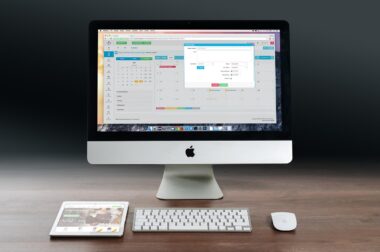
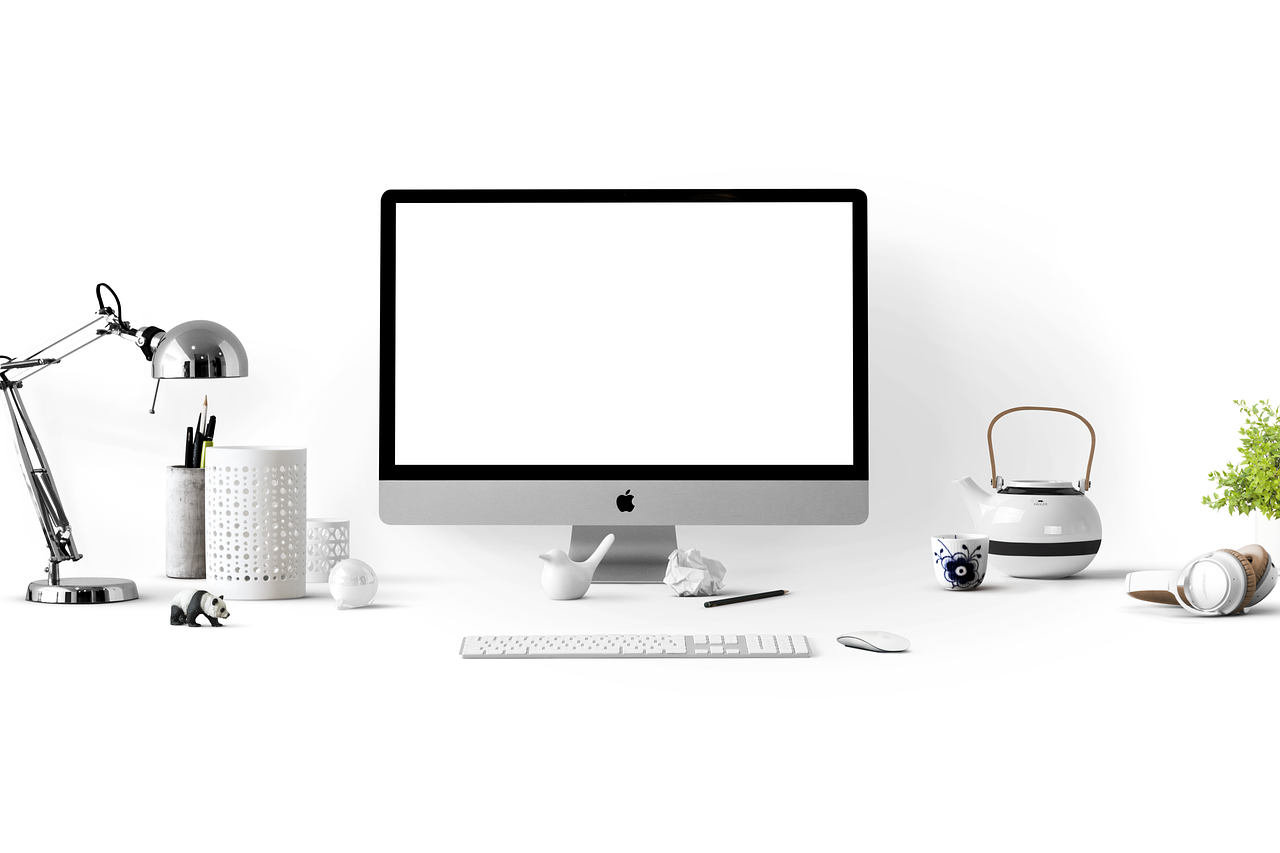
A healthy workstation layout is essential to cultivate a sustainable remote work environment. The arrangement of your desk should promote efficiency and comfort. Arrange frequently used items within arm’s reach, alleviating strain from stretching. Keep your mouse and keyboard close to each other to maintain a natural wrist alignment. Your monitor should be centered to prevent excessive neck twisting, allowing for effortless movement. Use dividers or planters to distinguish your workspace from personal areas, fostering focus. Additionally, personalizing your workspace can enhance motivation: consider adding plants or your favorite artwork. However, be mindful that distractions can reduce productivity; strike a balance. An organized desk can contribute to better focus and efficient working habits. Regularly declutter your workspace to maintain a clean environment. Utilize organizational tools like cable organizers and drawer dividers to minimize mess. Allocate specific areas for work and relaxation within the same space, facilitating a mental disconnect when needed. This separation helps in maintaining a healthy work-life balance, essential for mental health. Overall, creating an effective workstation layout is a crucial step towards a healthier work life.
Posture Awareness and Maintenance
Posture awareness is an essential component of ergonomics, especially for remote workers. Being conscious of your posture can prevent long-term health issues. Aim for a natural, upright position when seated; shoulders should be relaxed, and your back should touch the chair’s backrest. Avoid slouching or leaning forward frequently, which can cause back and neck strain over time. Take time to adjust your sitting habits; mindfulness can help notice your posture during work hours. Setting reminders can be particularly effective in developing this awareness. Use an app or a timer that continuously reminds you to reassess your posture throughout the day, fostering a habit of correction. Consider using a lumbar roll to offer support while working, or invest in ergonomic office equipment designed specifically to maintain proper alignment. Depending on your work style, experimenting with different seating options, like kneeling or saddle chairs, can encourage good posture. Lastly, consult a professional with expertise in ergonomics to provide insights customized to your workspace and needs. By fostering posture awareness, you’ll improve comfort and performance in your remote work environment.
Nutrition and hydration play pivotal roles in maintaining productivity and health, often overlooked in the context of remote work. Staying hydrated throughout the day is crucial for overall well-being. Dehydration can lead to fatigue, decreased concentration, and various health challenges. Aim for at least eight glasses of water daily. Consider keeping a refillable bottle by your side to track your intake. Likewise, maintaining a balanced diet is essential; it fuels your body and mind. Incorporate whole foods like fruits, vegetables, lean proteins, and whole grains into your meals. Avoid relying too heavily on processed foods or excessive caffeine, as these can lead to energy crashes. Opt for energy-boosting snacks during breaks, such as nuts or yogurt, which can enhance overall focus. Meal prep can be a valuable strategy to ensure balanced options are available, reducing the temptation to resort to unhealthy choices. Recognize the importance of nourishing your body to support your work endeavors. Integrating these dietary habits into your routine will foster better physical and mental performance while working from home.
Conclusion: Long-term Ergonomic Practices
Incorporating ergonomic practices into your remote work routine can significantly reduce discomfort and enhance productivity. By implementing the discussed strategies, you can create a supportive and healthier workspace that caters to your needs. From choosing the right chair to maintaining optimal screen positioning, each choice contributes to your overall well-being. Staying aware of your posture and regularly moving throughout the day can prevent fatigue and potential long-term issues related to inactivity. Moreover, don’t underestimate the power of hydration and nutrition; these aspects are integral to maintaining focus and energy levels. Experiment with different setups and find what works for you; ergonomics is highly individualized. A proactive approach to ergonomics pays off; the investment in your health today leads to a more productive future. Consult with professionals if needed and never hesitate to make adjustments as needed. Remember that the journey to an ergonomic workspace is ongoing. Continually assess and adapt your workspace, ensuring it remains conducive to your health. Prioritizing ergonomics leads to a fulfilling and successful remote working experience.
In summary, embracing ergonomics while working remotely brings invaluable benefits to your overall health and productivity. The solutions are often simple yet impactful when incorporated into daily habits. From staying mindful of posture to integrating movement, each change promotes well-being. Create a workspace that allows for comfort, encourages breaks, and supports overall health. As remote work becomes increasingly prevalent, maximizing your comfort and efficiency should be a priority. It is vital for long-term productivity, engagement, and job satisfaction. Take actionable steps to optimize your environment; every small effort contributes to maintaining a balanced work-life dynamic, essential for mental health. Going forward, consider sharing these tips with colleagues or friends, promoting a culture of health and wellness in remote work settings. Lastly, remember to revisit and reflect on your ergonomics regularly, making necessary adjustments to adapt to evolving work habits. Supporting your health isn’t just beneficial for you; it positively influences team dynamics and productivity as well. Embrace these ergonomic practices as a journey, ensuring your approach evolves with your needs and experiences in this flexible work era. The rewards of prioritizing health in the workspace are immense and sustainable.