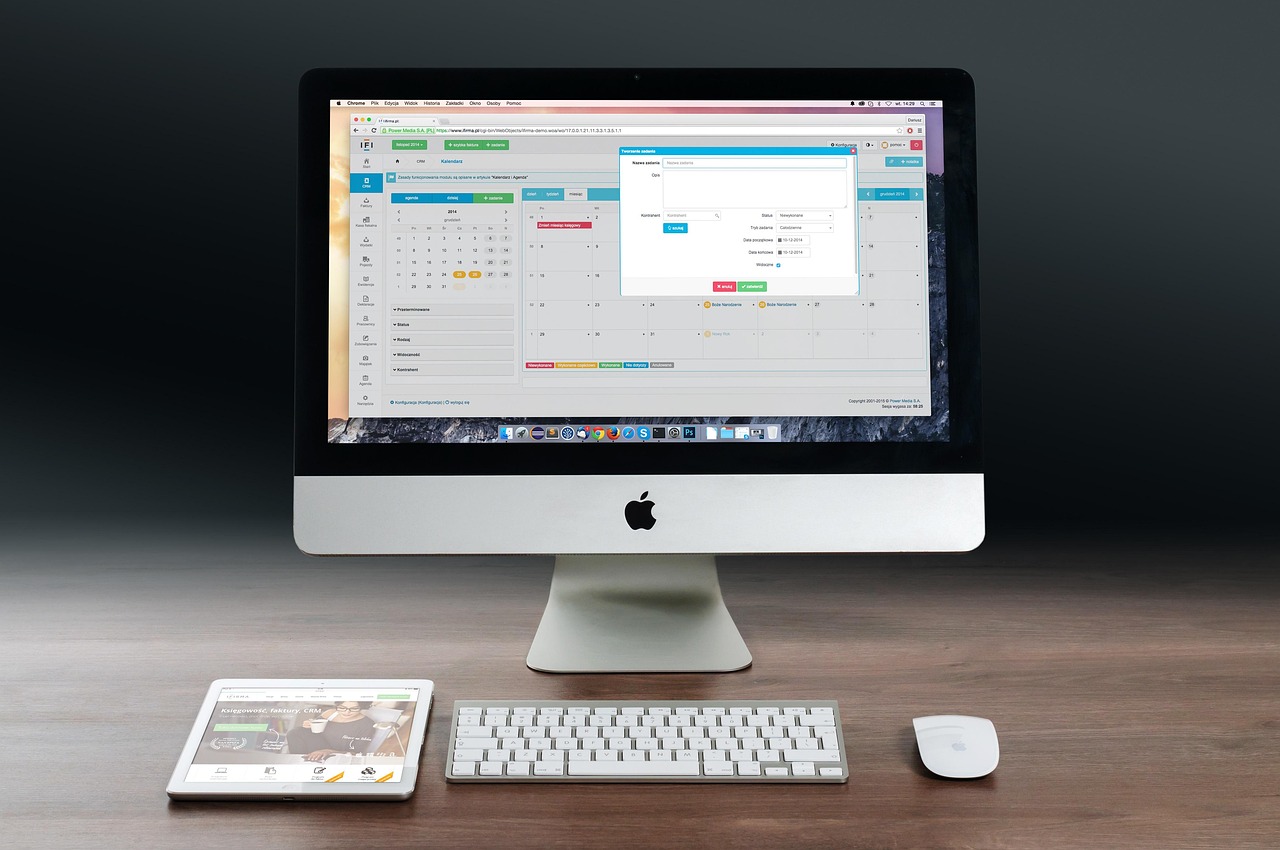

Basic Ergonomic Setup for Your Home Workspace
Creating an ergonomic workspace at home is essential for maximizing productivity and minimizing discomfort. The first step in establishing a healthy environment is to evaluate your workstation’s layout and equipment. An ergonomic chair is imperative, providing proper lumbar support and adjustable height. Your feet should rest flat on the ground or on a footrest, ensuring even weight distribution. Your desk should be at a height that allows your elbows to be at a 90-degree angle while typing, avoiding unnecessary strain on shoulders. The monitor should be positioned at eye level, approximately an arm’s length away, to prevent neck strain. Good lighting is also vital; aim for natural light whenever possible while minimizing glare. Incorporating desk plants can enhance air quality and improve focus. Lastly, take regular breaks to stretch and relieve tension, which is crucial for sustaining long-term productivity in a home setup. A well-designed workspace does not only enhance functionality but also supports an overall healthy working style, thereby positively impacting your work ethic and mental state over time. Remember, investing time in your workspace today will lead to long-term benefits for your well-being.
After establishing the right workspace setup, it is crucial to incorporate ergonomic accessories that can further enhance your comfort and efficiency while working. Ergonomic keyboards and mice, for example, are designed to promote natural hand positioning and reduce the risk of developing repetitive strain injuries. A keyboard with a slight tilt can alleviate wrist discomfort. Additionally, using a mouse that fits comfortably in your hand helps maintain good posture while navigating your computer. Consider utilizing a document holder to keep printed materials at eye level, reducing neck strain associated with looking down. Wrist rests can offer additional support when using keyboards or mice, relieving pressure from the wrists during extended use. Another excellent addition is an adjustable laptop stand if you work primarily on laptops; this allows adjusting the screen to eye level. A cable management system can also help keep your workspace tidy, reducing distractions and ensuring safety. The goal of these ergonomic accessories is to create a space that minimizes discomfort, promotes well-being, and boosts overall productivity throughout your workday, and thus creates a harmonious work atmosphere.
Posture Techniques for Sitting
Maintaining proper posture is essential when sitting for extended periods, as poor posture can lead to various health issues. When seated, your back should remain straight with the shoulders relaxed but not slouched. It’s important to align your ears, shoulders, and hips in a straight line to ensure optimal spine alignment. Your arms should be close to your body, with your wrists in a neutral position while typing. This alignment reduces the risk of developing carpal tunnel syndrome or other upper extremity injuries. Make use of armrests on your chair; they help to maintain your arms in a relaxed position. Your thighs should be parallel to the floor for maximum comfort and support; buy a seat cushion if needed for better height. Your knees should ideally be at the same height as your hips or slightly lower. If you find your feet aren’t touching the floor, consider using a footrest. Additionally, remember to change your position frequently during the day, as static posture can be harmful long-term. This active posture management is crucial for your health.
Incorporating regular movement into your day is vital for maintaining both physical and mental health while working from home. Even if you have a well-set-up ergonomic workspace, prolonged sitting can lead to discomfort and fatigue, which impacts productivity. Implementing small breaks every 30-60 minutes to stand up, stretch, or walk around can significantly reduce tension in your muscles and promote circulation. Simple stretching exercises targeting the neck, shoulders, and back can refresh your body. Setting a timer can remind you to take these essential breaks; it makes a difference! Moreover, consider standing or walking meetings, if possible, to keep your body engaged during discussions. If you have the option, a walking desk is another innovative approach; it allows you to stay active while working on tasks. Engaging in brief physical exercises such as squats or lunges during breaks can increase your energy and enhance your mood. Maintaining movement throughout your workday is an effective way to combat fatigue and stiffness, ultimately leading to improved focus and productivity during work hours, fostering a more dynamic working routine.
Healthy Eye Practices
Maintaining eye health is a critical but often overlooked aspect of an ergonomic workspace. Spending long hours staring at screens can cause digital eye strain, leading to discomfort and decreased productivity. To combat this, implement the 20-20-20 rule: every 20 minutes, take a 20-second break to look at something 20 feet away. This practice helps relax the eye muscles and reduce fatigue. Adjusting the brightness and contrast settings on your monitor can also minimize strain; ensure your screen is not too bright compared to the surrounding area. Consider using blue light filters or glasses if you work extensively on digital devices; they reduce exposure to harmful blue light. Additionally, ensure that your workspace is well-lit to avoid glare on your screen. Blink often to keep your eyes moisturized naturally, as people tend to blink less frequently when focused. Regular eye check-ups are also essential; an eye care professional can advise on the best practices tailored to your needs. Nurturing eye health is vital for overall comfort and productivity, ensuring you thrive in your home workspace for years to come.
Creating a clutter-free workspace is just as important as having an ergonomic setup. A tidy environment not only enhances your visual space but also contributes to mental clarity and focus. Begin by decluttering your desk—remove items that you do not use regularly or that distract you from your primary tasks. Use organizers, such as trays or containers, to keep essential items easily accessible while maintaining order. When leaving your workstation, tidy up to ensure it’s ready for the next session. Digital decluttering is equally essential; organize your computer files and emails to prevent clutter from becoming overwhelming. Schedule regular clean-up sessions, both physically and digitally, to maintain a fresh workspace. Consider employing the Pomodoro technique, which involves working in short bursts followed by breaks; this can naturally promote periodic tidiness. An organized environment encourages productivity, reduces stress, and fosters focused work sessions. Importantly, personalizing your workspace with meaningful decor can also enhance motivation, as it creates an inspiring atmosphere. Thus, a clean and inspiring workspace significantly contributes to a productive home working experience, complementing all previous ergonomic adjustments.
Final Thoughts on Ergonomics
In conclusion, establishing an ergonomic workspace at home involves several essential elements, including setup, accessories, and habits. It requires ongoing awareness and adjustments to maintain productivity and comfort. Implementing ergonomic seating and desk arrangements is just the foundation; equip your domain with supportive tools such as ergonomic keyboards and document holders to further enhance functionality. Practicing good posture when sitting and incorporating regular movement into your routine plays a critical role in minimizing discomfort. Don’t forget to care for your eye health with frequent breaks. Creating a clutter-free and organized environment enhances focus and productivity, reinforcing the importance of your workspace. Finally, maintain an ongoing commitment to evaluate and adjust your workspace as needed; individual preferences evolve over time. Stay open to new ideas and innovations within the realm of ergonomics to continually improve your workplace. Prioritizing ergonomics is a long-term investment in your health and well-being, ultimately leading to a more pleasant and productive working environment. Start making these changes today, and observe how transforming your workspace leads to a more fulfilling work experience.
Every workspace is unique; thus, understanding your specific needs and preferences is part of creating a truly ergonomic setup. It requires continual mindfulness and adaptability to maintain a productive work atmosphere. Remember, your health is just as essential as your productivity, so investing time in these ergonomic practices will pay dividends in comfort and efficiency. Every small tweak in your space can lead to greater well-being, ensuring that every working day is fulfilling and efficient. Embrace the journey towards a healthier, ergonomic workspace that suits you and enhances your daily work experience. By gradually implementing these strategies, you can cultivate an environment that nurtures both your physical comfort and mental health, leading you towards greater productivity and enjoyment in your work life.