
Mastering Fitness Tracking with Spreadsheets: A Comprehensive Guide
Fitness tracking has become an essential part of achieving personal health goals. Using spreadsheets can simplify the process, allowing you to visually grasp your progress. This guide will delve into how to efficiently utilize spreadsheets for tracking your fitness journey. Start by identifying key components of your fitness regimen, including exercises, duration, and calories burned. Creating separate tabs for different types of exercises can help organize your data. Utilize formulas within the spreadsheet to compute totals automatically, providing a clear overview of your performance. Regularly updating your spreadsheet fosters accountability and keeps you motivated. Checking your progress weekly helps discern trends and areas for improvement. With careful tracking, you can truly understand what works best for your body. Additionally, consider incorporating charts to visualize your achievements over time. This visual representation can be crucial in sustaining motivation. The flexibility of spreadsheets also means you can customize them to suit your personal preferences and needs. Whether you aim for weight loss or muscle gain, spreadsheets can adapt to track any fitness objective you have in mind.
The next step is setting up your spreadsheet. Begin with a clear layout that outlines necessary categories for successful tracking. Important categories may include date, exercise type, duration, and intensity levels. Use dropdown menus for standardized inputs, making data entry straightforward and reducing errors. These menus can streamline your tracking efforts and improve accuracy. After establishing your categories, ensure you personalize your spreadsheet to reflect your fitness goals. For instance, you might want to track your daily water intake or record your meal plans alongside workout data. This holistic approach promotes a complete overview of your health journey. Advanced users can explore features such as conditional formatting to visually highlight periods of success or failure. For instance, you could turn cells green when you meet weekly goals and red when you don’t. This immediate visual feedback can help you stay engaged and focused. Don’t forget to regularly back up your spreadsheet to prevent data loss. Regular backups ensure your fitness journey remains intact, allowing you to reflect on progress at any time.
Utilizing Formulas and Functions
To maximize your fitness tracking via spreadsheets, it’s essential to harness the power of formulas and functions. Formulas automate calculations, saving you time and minimizing manual errors. For example, use the SUM function to calculate total workout hours across days or weeks. This simple function can significantly enhance your tracking efficiency. If you’re tracking weight over time, use the AVERAGE function to see your overall progress at a glance. Implement conditional statements to highlight performance metrics that do not meet your goals, enabling swift adjustments. More advanced users can use the IF function to create customized goals for various metrics, allowing for a tailored tracking experience. Annual tracking may also benefit from the YEARFRAC function which helps calculate the difference between dates. Additionally, utilize the COUNTIF function to tally specific achievements over time, such as the total number of workouts completed per month. These data points can serve as motivational benchmarks, pushing you to reach higher thresholds. Finally, familiarize yourself with pivot tables, which enable you to dynamically summarize and analyze your data according to specific criteria.
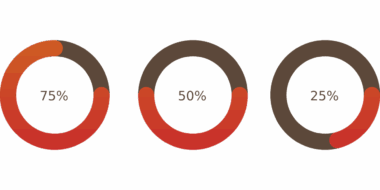
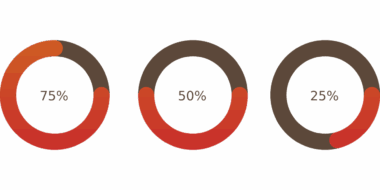
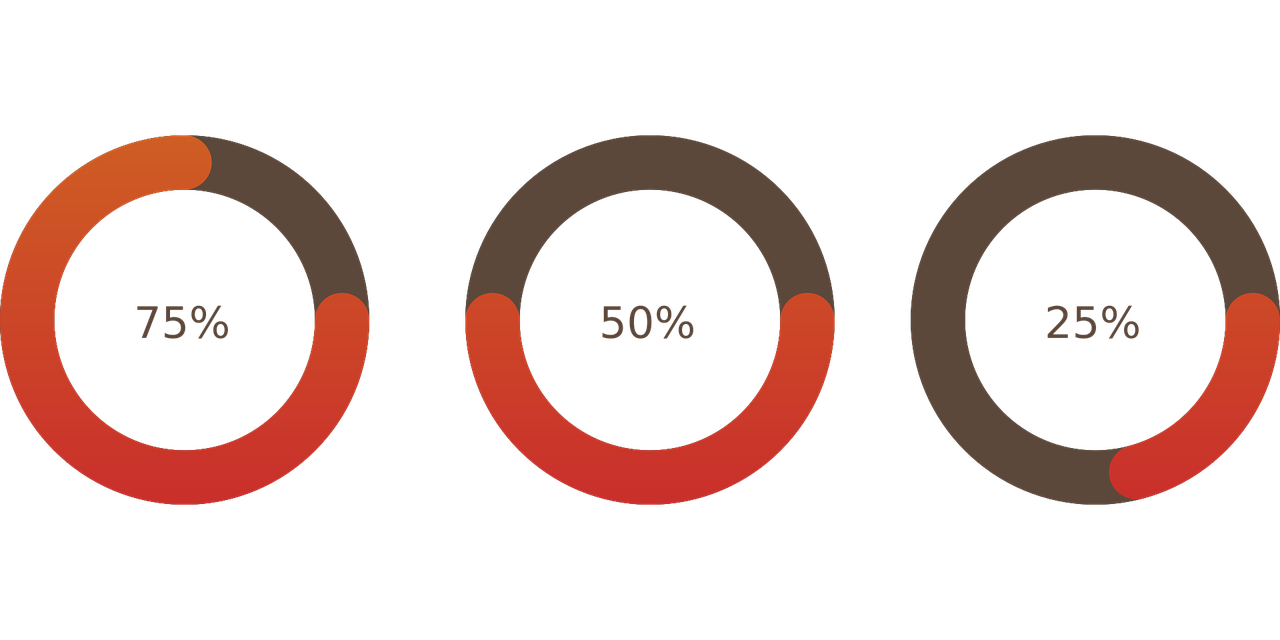
Incorporating graphs and charts into your fitness tracking spreadsheet elevates the overall experience by providing visual representations of your data. Visualizing information makes understanding complex data simpler and reveals trends that raw numbers often obscure. Start by selecting the data ranges you want to visualize. For tracking workout performance, a line graph illustrating progress over time can clearly show improvements or setbacks. Use bar charts for comparing different exercises, making it easy to see which activities yield better results. Pie charts can visually represent the percentage of time spent across various activities, offering insights into your fitness habits. To make your charts impactful, use colors wisely; select a palette that’s easy on the eyes but still allows for quick differentiation. Always label your axes clearly and use concise titles for each chart to enhance understandability. This attention to detail will aid anyone reviewing your data, including personal trainers or friends assisting in your journey. As you update your data, the charts should automatically reflect changes, providing continuous feedback on your fitness path. This visual aspect can ensure that tracking remains engaging and motivating.
Tracking Nutrition with Spreadsheets
Nutrition plays a vital role in accomplishing fitness goals, and tracking your intake can enhance results. Combining nutrition tracking with your fitness spreadsheet creates a comprehensive picture of your lifestyle. Begin by adding new columns or sheets dedicated to meals, calories, and macronutrients. Establish a system for logging daily food intake, making it simple to identify dietary patterns. You may opt to utilize existing templates available online, or you could create one tailored to your specific dietary needs. Incorporate formulas to calculate total daily caloric intake alongside your exercise data, allowing for immediate insights into your energy balance. Monitoring your macronutrients ensures you meet specific goals, such as increasing protein for muscle building. Using a separate nutrition section enables easy tracking of weekly or monthly summaries. Consider creating a separate tab for meal plans, streamlining your weekly grocery shopping. Utilize food databases for accurate calorie counts and nutritional values, enhancing the reliability of your tracking. This accurate insight into your nutrition can dramatically improve your workout performance, helping to align your eating habits with your fitness objectives.
As you advance in your fitness journey, reflection becomes necessary. Analyze the data collected in your spreadsheet regularly to identify strengths and weaknesses in both exercise and nutrition. Schedule a calendar reminder to review your spreadsheet at the end of each month. This consistent practice not only helps maintain commitment but also fosters personal growth. During these reviews, pinpoint which fitness routines yield the best results, and consider adjusting those that don’t meet your expectations. If a particular weight-lifting technique isn’t offering desired outcomes, consider trialing different variations or rep ranges. Incorporate qualitative reflections as well—notes on your mood and energy levels help offer context to the data. This reflective practice can reveal insights that purely quantitative metrics may not showcase. Additionally, using this reflection time to set new goals could help maintain motivation; whether it’s upping the intensity of your workouts or focusing more on nutrition. As you redefine your objectives, consider making adjustments in your spreadsheet to ensure you’re still aligned with your evolving fitness journey.
Staying Motivated with Fitness Tracking
Motivation is a key element in following through on your fitness goals, and tracking progress via spreadsheets can exhibit tangible results. A visible record of improvements helps create a sense of achievement. Celebrate small victories whenever you hit personal bests, whether in distance, weight lifted, or time committed to exercise. Documenting these milestones in your spreadsheet reinforces positive behavior and encourages consistency. Moreover, sharing your tracking spreadsheet with friends or online communities can boost accountability. Having someone to share achievements with makes the process more enjoyable too. Consider creating a rewards system linked to your tracking milestones to further enhance motivation. Specific targets can be linked to enjoyable rewards, such as new workout gear or a well-deserved treat. Occasionally, reassess your goals to ensure they remain motivating—not overly taxing. This adaptability helps maintain long-term interest in your fitness journey, and reinforces the habit of tracking itself. Continuous motivation can also be sourced from new challenges, whether aiming to run a 5K or master a new exercise; each time you portray goals thoughtfully, your chances of success increase.
Your fitness journey is unique and personal, blending both physical training and nutritional choices. Spreadsheets offer flexible tools to optimize and understand that journey better. By employing essential functions, creating visual charts, and incorporating reflective practices, you can display ongoing progress dynamically. Whether you’re a novice or someone seasoned in fitness tracking, spreadsheets enable tailored adjustments to enhance formations that match your evolving health goals. Consider turning your experiences with spreadsheets into a consistent practice as you become more familiar with the tools. This level of proficiency not only boosts your efficiency but also fosters a stronger connection with your fitness journey. Never underestimate the impact of tracking progress, whether in exercise, nutrition, or mindset. Ultimately, when you take the time to understand your data, you empower yourself to make informed decisions that will lead to success. Your heart is in the right place, now let spreadsheets pave the way to achieving the fitness transformation you seek. So, embrace the journey of mastering fitness tracking with spreadsheets, and unlock the door to continuous improvement and success.