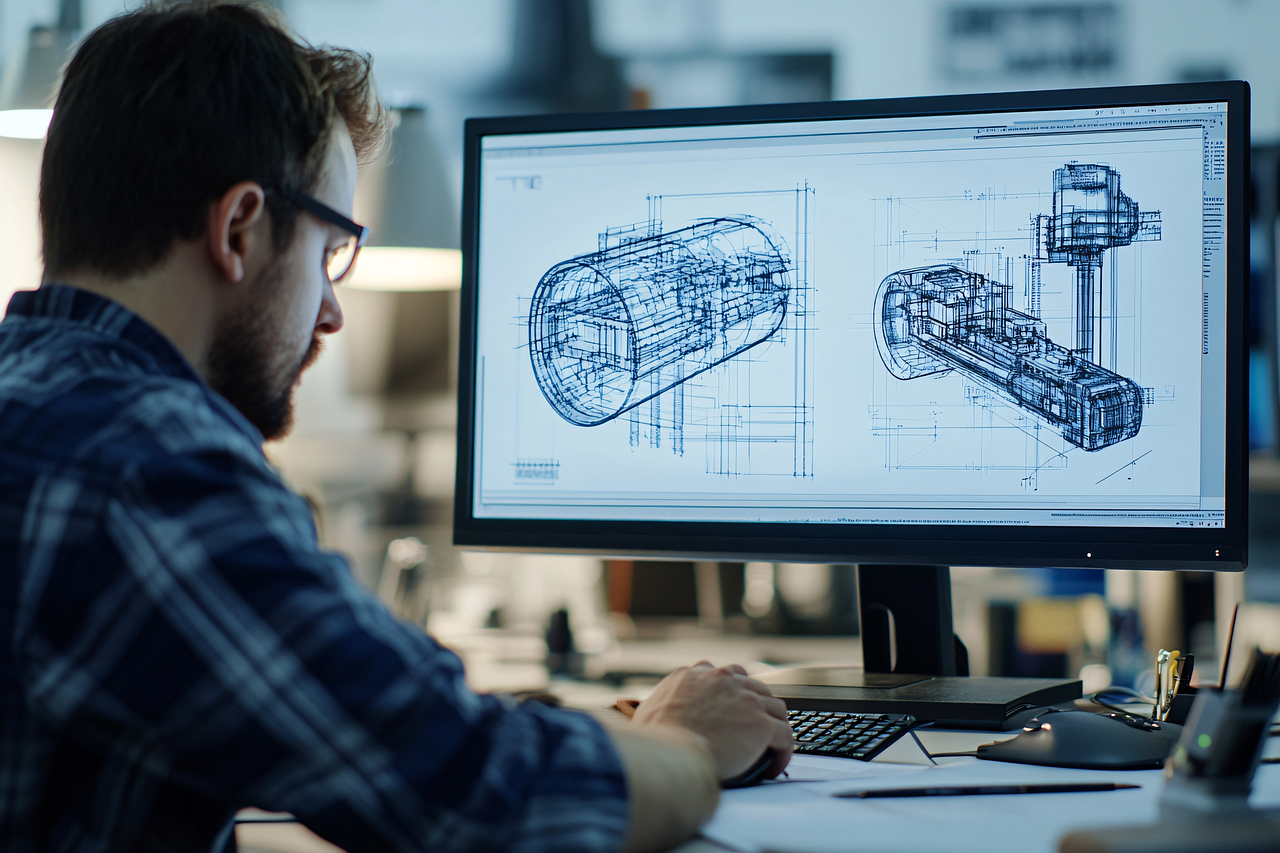

Setting Up Dual Monitors Ergonomically for Remote Work Efficiency
Working from home has become increasingly common, and many remote workers benefit from setting up dual monitors. An ergonomic setup can enhance productivity and reduce strain. Start by positioning the monitors at eye level; this prevents neck strain. Ideally, the top of the screen should be just below eye level, allowing a slight downward gaze. Place monitors about an arm’s length away to maintain optimal viewing distance. Additionally, matching the heights of the screens minimizes neck movement. For optimal visual comfort, adjust brightness and contrast settings according to ambient lighting. Using blue light filters can help, too. Consider utilizing monitor stands or adjustable arms to achieve these heights easily. Ensure the monitors are oriented slightly inward, which can alleviate shoulder tension. Furthermore, utilize the best screen for specific tasks to streamline work processes. For instance, use the primary monitor for main tasks and the secondary for reference material. Lastly, invest in a quality chair and desk to enhance the setup further; comfort promotes a more productive work experience.
Once the monitors are set up, it’s crucial to arrange your workspace ergonomically. Ensure that your chair and desk are at appropriate heights, maintaining a 90-degree angle at your elbows while you type. Your feet should remain flat on the ground or a footrest, allowing for better posture. Wrist support is also essential; consider using keyboard trays to keep your wrists in a neutral position. The mouse should be placed close to your typing surface and at a similar level as the keyboard to avoid excessive reaching. Re-evaluating monitor distance is critical as well; monitors too far away can result in eye fatigue, while screens too close can cause strain. Take regular breaks to improve blood flow and alleviate fatigue. Stretching your arms, shoulders, and neck periodically can aid in reducing discomfort. Implement the 20-20-20 rule: every 20 minutes, take a 20-second break to look at something 20 feet away. This practice can significantly benefit your vision and productivity. Using ergonomic accessories like document holders can promote better neck alignment when referencing materials.
Choosing the Right Monitors
Selecting the right monitors for your ergonomic setup is vital for productivity. Opt for screens that reduce glare, as excessive light reflection can cause eye strain and discomfort. A matte finish is often preferable in bright environments. Additionally, consider screen size; larger screens can improve multitasking efficiency but ensure they fit your workspace correctly. A dual monitor setup ideally features matching screens, which can minimize visual disruption, thereby enhancing your comfort. If feasible, choose monitors with adjustable height settings; this feature enables better alignment with your line of sight. Furthermore, screens with IPS technology can offer superior color accuracy and viewing angles. This benefit is particularly noticeable when you’re sharing visuals during meetings. Connectivity plays a critical role as well; make sure to select monitors that can easily connect with your computer without hassle. Ergonomic features such as height adjustments, tilting, and swiveling can further enhance comfort in your workspace. Be mindful of the resolution; high-resolution displays reduce eye strain and improve clarity. Lastly, be aware of your budget; invest where it counts most, particularly in quality display technology.
Once you’ve selected monitors, it’s important to consider cable management to ensure a clutter-free workspace. Tangled cables can obstruct movement and distract from your focus, potentially causing unnecessary frustration. Use cable sleeves or clips to keep cords organized and out of sight. Cable trays mounted beneath your desk can also provide additional storage for excess lengths. Additionally, consider the placement of power outlets to avoid cumbersome cords stretching across your office. Use power strips with surge protection to safeguard your devices. Ensure all cables are long enough for comfortable reach but not so long that they create tangles. Wireless devices can simplify setups, helping you avoid cable clutter altogether. Furthermore, ergonomically designed keyboard and mouse options can enhance your comfort even further. Invest in a keyboard that offers good wrist support and a mouse that fits comfortably. Trackball or vertical mice can help reduce wrist strain and encourage a more natural hand position. Make sure the keyboard is compatible with your system, supporting multiple connectivity options, whether wired or wireless. Lastly, organizing accessories within reach can decrease those awkward stretches during tasks, increasing overall workflow efficiency.
Establishing a Productive Routine
Once your ergonomic workspace is set up correctly, establishing a productive work routine is essential for maintaining long-term efficiency. Adhering to a schedule can provide structure to your day, improving focus and overall energy. Start by determining your peak productivity hours and optimize your most demanding tasks during those times. Break up your work into manageable segments; utilizing techniques like the Pomodoro method can enhance concentration. This technique involves working for 25 minutes uninterrupted, followed by a 5-minute break. After four cycles, take a longer break of 15 to 30 minutes. This pattern keeps your mind fresh while preventing burnout. Don’t forget to set boundaries; having dedicated work hours allows others to respect your time, preventing distractions. Additionally, keeping personal errands or distractions to a minimum within your workspace is important. Consider the use of digital tools such as time management apps to stay organized. Remain mindful of your physical and mental health; regularly stand, stretch, and hydrate during your working hours. Create a productive environment by minimizing noise, using headphones if necessary to stay focused. Following these practices can significantly elevate your remote work experience.
Lastly, reflecting on and adjusting your setup regularly is a vital part of maintaining an ergonomic workspace. Pay attention to any signs of discomfort or fatigue; these can indicate that changes are needed. Evaluate your chair and desk setup every few months to see if adjustments improve comfort. Regularly incorporate new ergonomic tools as you become aware of them. Ergonomic trends evolve; staying updated can optimize your workspace over time. Seek feedback from colleagues in remote work forums; they may have tips to enhance efficiency and productivity. Keeping a journal can help track any patterns relating to discomfort; this allows you to pinpoint the cause and make necessary changes. Consider using standing desks or convertible desks too; they enable switching between sitting and standing throughout the day, promoting better posture and energy levels. Ensure that your reviewing process accounts for all aspects, including monitor positioning, chair height, and overall aesthetics. Regularly reassessing these details can ensure the longevity of your remote work experience. With the right approach, a dual-monitor setup can greatly enhance your comfort and productivity.
Conclusion
Setting up dual monitors ergonomically for remote work is a crucial step toward improving your efficiency and comfort. Following ergonomic principles not only enhances productivity but also promotes long-term health benefits. Remember the importance of proper monitor positioning, ensuring that screens are at eye level to prevent strain. Monitor distance is just as important, enabling you to maintain comfort while viewing your screens. Combine this with an adjustable chair and desk to create a harmonious workspace tailored to your needs. Additionally, prioritize the quality of your monitors; select screens that suit your work requirements, emphasizing eye comfort and reducing glare. As you set up, employ cable management techniques to maintain an organized and effective workspace, minimizing distractions. Establishing a consistent routine, such as incorporating the Pomodoro technique, can aid in enhanced focus and efficiency. Regular reflections on your workspace setup can ensure that it remains comfortable over time, adapting as needed. Ultimately, investing time and resources into an ergonomic dual monitor setup pays off in productivity and overall well-being, making remote work a more enjoyable experience.