
Tips for Organizing Your Ergonomic Desk Space Efficiently
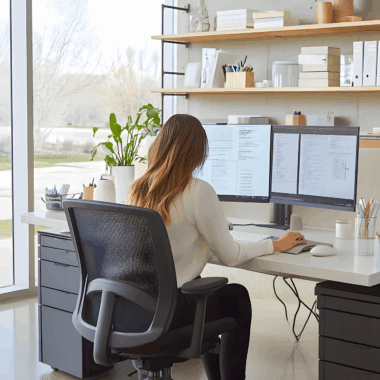
To create an efficient ergonomic workspace, start by assessing your current desk setup. Ensure your desk height aligns with your elbows, allowing them to rest at a right angle. A comfortable chair, adjustable in height, should support your back, maintaining a neutral spine position. Positioning your monitor at eye level will reduce neck strain. Keep frequently used items within arm’s reach to minimize unnecessary stretching. Invest in cable management solutions to eliminate clutter. Furthermore, consider a keyboard tray to enhance comfort when typing. It allows for your wrists to be straight and hands at or below elbow level. Making small adjustments in these areas can significantly improve your daily work experience. Swapping out your traditional chair for a standing desk can also promote better posture and energy levels throughout your day. Ergonomics should be part of your workspace design. Experiment with various arrangements until you find what works best for you. Ultimately, an ergonomic setup will enhance productivity, reduce fatigue, and contribute to overall well-being. Document your progress and adjustments to see what makes the most significant impact on your comfort while working.
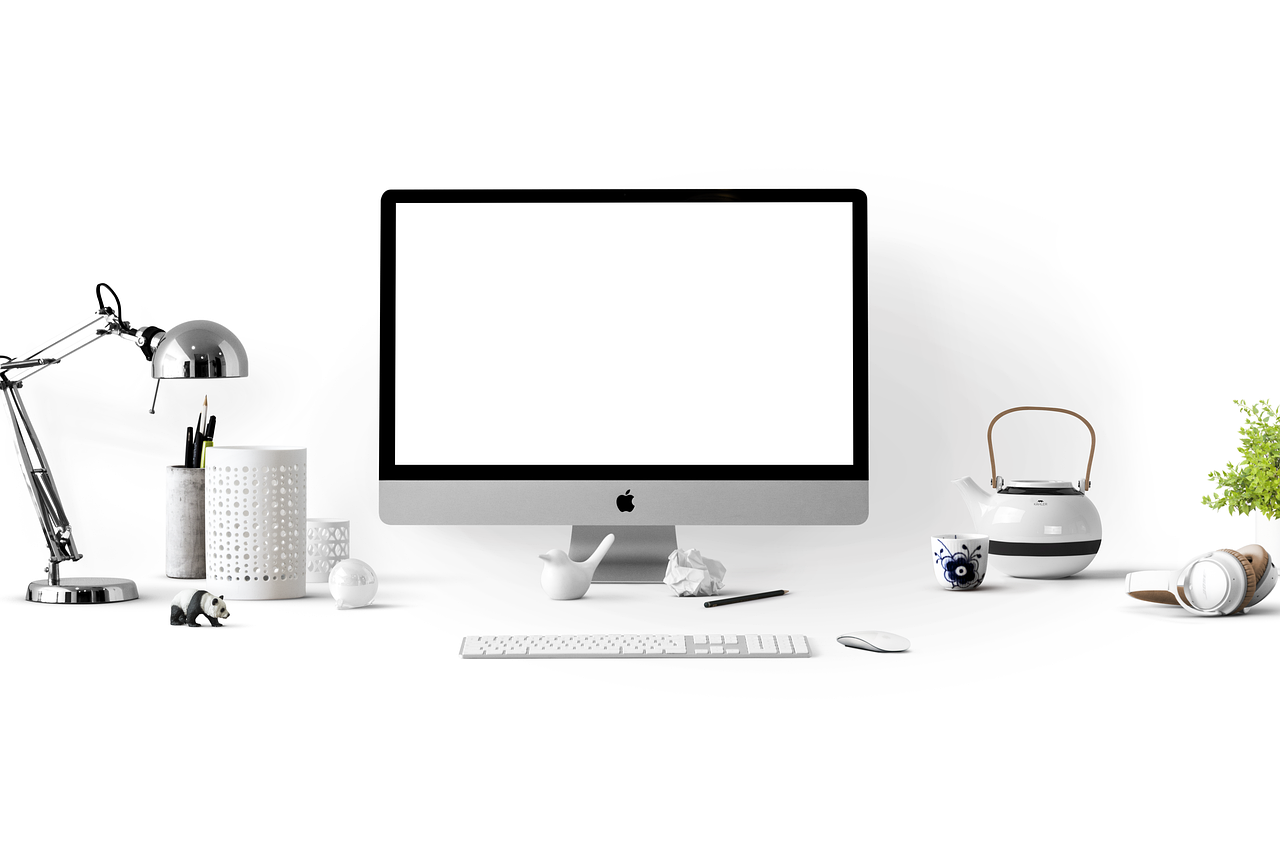
Next, consider desk accessories that enhance organization and comfort. Utilize desk organizers to keep smaller items neatly arranged and accessible. Items such as pens, notepads, and sticky notes should be in designated areas. Investing in a quality mouse pad with wrist support can mitigate strain on your wrists during prolonged use. Ergonomic mice can offer additional comfort, reducing wrist or forearm stress. Monitor risers are excellent additions, promoting alignment with your eye level. This helps to reduce eye strain and improve posture. Another effective accessory is an anti-fatigue mat when using a standing desk. These mats provide cushioning conducive to reducing discomfort during long periods of standing. Rotating between sitting and standing can also encourage movement. Don’t forget to integrate personal touches to inspire motivation, such as plants or photos. A clean, organized workspace not only promotes efficiency but can also enhance creativity. Declutter on a regular basis to maintain this organization. Go through papers and items frequently to ensure your desk remains an inspiring and efficient place to work. Good organization goes hand in hand with ergonomic principles to create a balanced workspace.
Incorporating Movement and Breaks
A vital aspect of ergonomic workspaces is the integration of regular movement and breaks. Schedule short breaks every hour to stretch or walk around, which helps reduce tension buildup. These mini-breaks are crucial to refresh your mind and prevent fatigue. Stretching is especially beneficial; it improves blood circulation and relieves muscle tension. Simple movements such as neck rolls, wrist stretches, and shoulder shrugs can be very effective. Consider employing built-in reminders through apps or alarms that cue you to take these necessary breaks. Engaging in these simple actions contributes significantly to sustained productivity. Use these breaks as an opportunity for hydration; drinking water can enhance focus. Additionally, take these moments to reflect on your posture and ergonomic setup. Is your back supported? Are your feet flat on the floor? These reflections will drive home the importance of maintaining healthy ergonomics. Opt for walking meetings when possible to incorporate physical activity into your work routine. Understanding the flow of your workday can aid in planning these movement breaks effectively. Movement is an integral piece of the ergonomic puzzle, impacting your overall work performance and comfort level.
Next, look at how lighting plays a crucial role in your ergonomic desk setup. Proper lighting reduces eye strain and enhances focus and productivity. Investing in adjustable task lighting helps illuminate your workspace effectively. Make sure your desk is well-lit without causing glare on your computer screen. Natural light is always preferable; positioning your desk near a window can boost mood and energy levels. However, avoid directly facing the window to minimize glare. When natural light isn’t feasible, use warm LED bulbs to create a more pleasant atmosphere. A combination of overhead lights and supplemental desk lamps fosters an inviting and functional space. Adjust your monitors’ brightness settings to suit your lighting arrangement. When working in dim conditions, take extra care to adjust your screen to prevent eye fatigue. If working late, consider using a screen filter or blue light glasses to protect eyes. Creating an environment conducive to both performance and health truly requires assessing various elements, including lighting. A focus on lighting can lead to greater comfort and vitality during your work hours, aiding productivity.
Utilizing Technology for Ergonomics
Technology is an integral component of optimizing your ergonomic workspace. Specialized software and apps can assist in managing your time and posture effectively. Consider using applications designed to remind you to take breaks, stand up, or stretch. Many of these tools can track your hours spent at your desk and encourage movement. Furthermore, voice recognition software can allow for hands-free typing, reducing strain on wrists and fingers. Ergonomic keyboards and mouse designs are also widely available, catering specifically to reducing discomfort. Many brands offer unique designs tailored to various hand shapes and movements, making them a worthy investment. Consider a dual or triple monitor setup, which can distribute your vision and reduce strain caused by excessive neck rotation. Adjustable monitor arms allow for personalized positioning based on your preferred setup. If you’re working from home, investing in quality equipment is essential. The importance of technology in ergonomics cannot be overstated, as it directly contributes to your comfort and productivity. Regularly check for updates to productivity apps that offer features enhancing workplace ergonomics.
In addition to technology and desk setup, mental well-being should not be overlooked. Incorporating mindfulness and stress management practices can shift your focus positively during work hours. Techniques such as meditation, deep breathing exercises, or quick relaxation methods can lower stress levels. Implementing these practices can enhance clarity in thinking and problem-solving skills. Designate specific times for these exercises throughout your workday to reinforce the habit. Evaluate workplace noise levels and consider noise-canceling headphones if distraction becomes a concern. Music or ambient sounds can create a calming atmosphere as you focus on your projects. Further, maintaining healthy communication with colleagues fosters a supportive work environment. Sharing workloads and participating in team-building activities can strengthen connections and reduce isolation, common in home office settings. Assessing your emotional environment contributes to an overall productive ergonomic workspace. Cultivating mental well-being is essential, especially when managing workplace stress. Taking time to nurture your mental health can lead to a more well-rounded work experience, supporting both productivity and happiness in your ergonomic setup.
Conclusion: Personalizing Your Ergonomic Desk
Your ergonomic desk should reflect your personal style while accommodating your comfort needs. As you move through the process of optimizing your workspace, remember that every individual has unique preferences. Test different furniture styles and arrangements until you discover the perfect fit for you. Aim for a balance between form and function, ensuring your setup looks good while also supporting your health. Consider including motivational quotes or visual aids that inspire you throughout your day. Placing items that uplift your mood, such as plants or inspirational artwork, helps personalize the space. Light colors may enhance mood, while a clutter-free environment fosters focus. Regularly assess your ergonomic placement, making adjustments as necessary. As life evolves, so do your workspace needs. Keep comfort and efficiency at the forefront of your working environment design. An ergonomic setup isn’t a one-time task but a continual journey of optimization. Commit to evaluating changes and being open to new ideas. Ultimately, the goal is to create an ergonomic workspace that meets your needs while promoting well-being, productivity, and satisfaction. Your efforts in achieving this are worth it.